📱 Install as an app (recommended)
Install Superior Pet Waste to your home screen for faster access and app-like navigation.
iPhone / iPad (Safari)
Tap the Share button → "Add to Home Screen" → "Add"
Android (Chrome)
Tap the three-dot menu → "Install app" or "Add to Home Screen"
Desktop (Chrome / Edge)
Click the install icon in the address bar, or three-dot menu → "Install Superior Pet Waste"
Once installed, launch from your home screen like any other app.
Your Customer Portal — Everything You Need
Book service, pay invoices, update payment details, stay in touch.
📅 Book a service
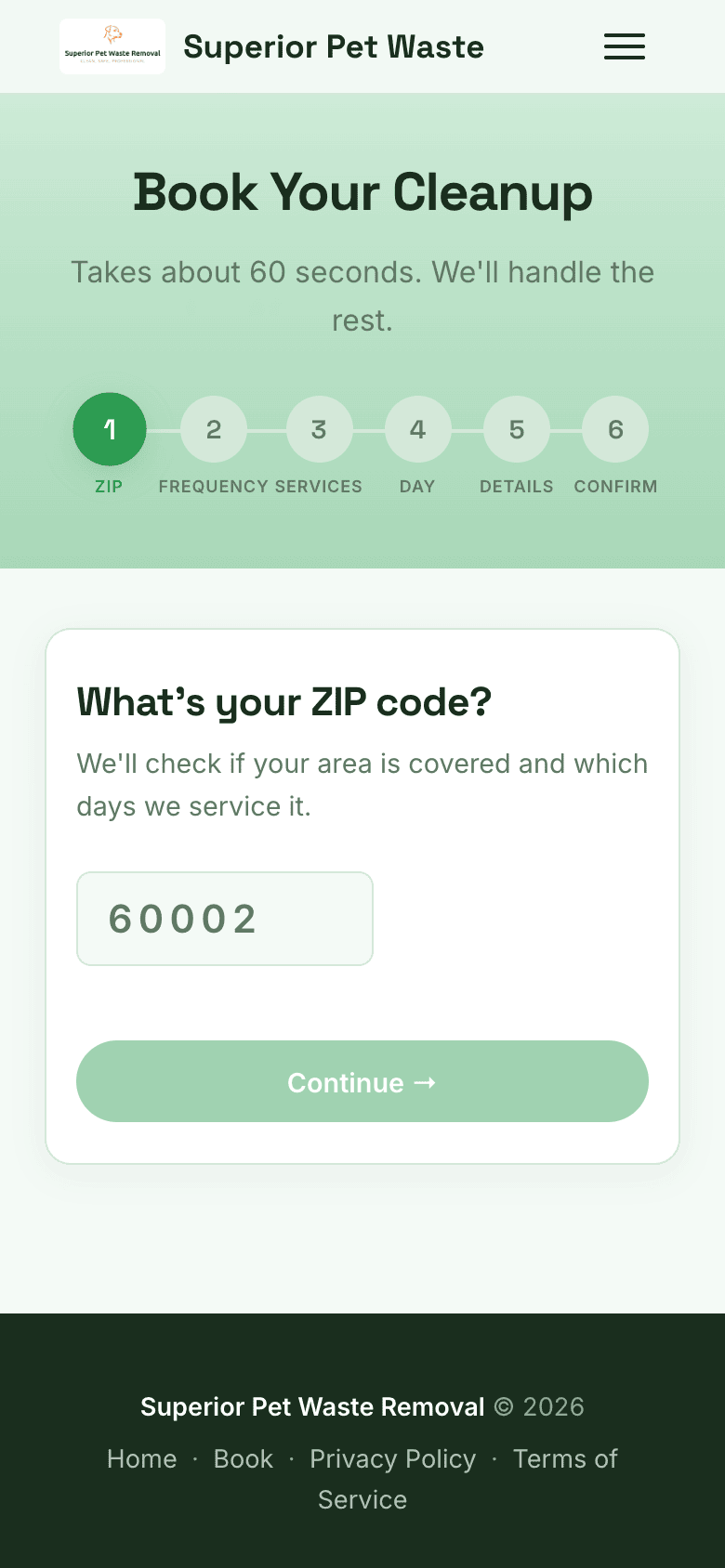
- Visit superiorpetwaste.com and tap Book Now
- Pick your zone, service type, and frequency
- Choose your preferred start date
- Submit — a confirmation email arrives right away
💡
Already a customer? You can request service changes directly from your portal or by messaging the office.
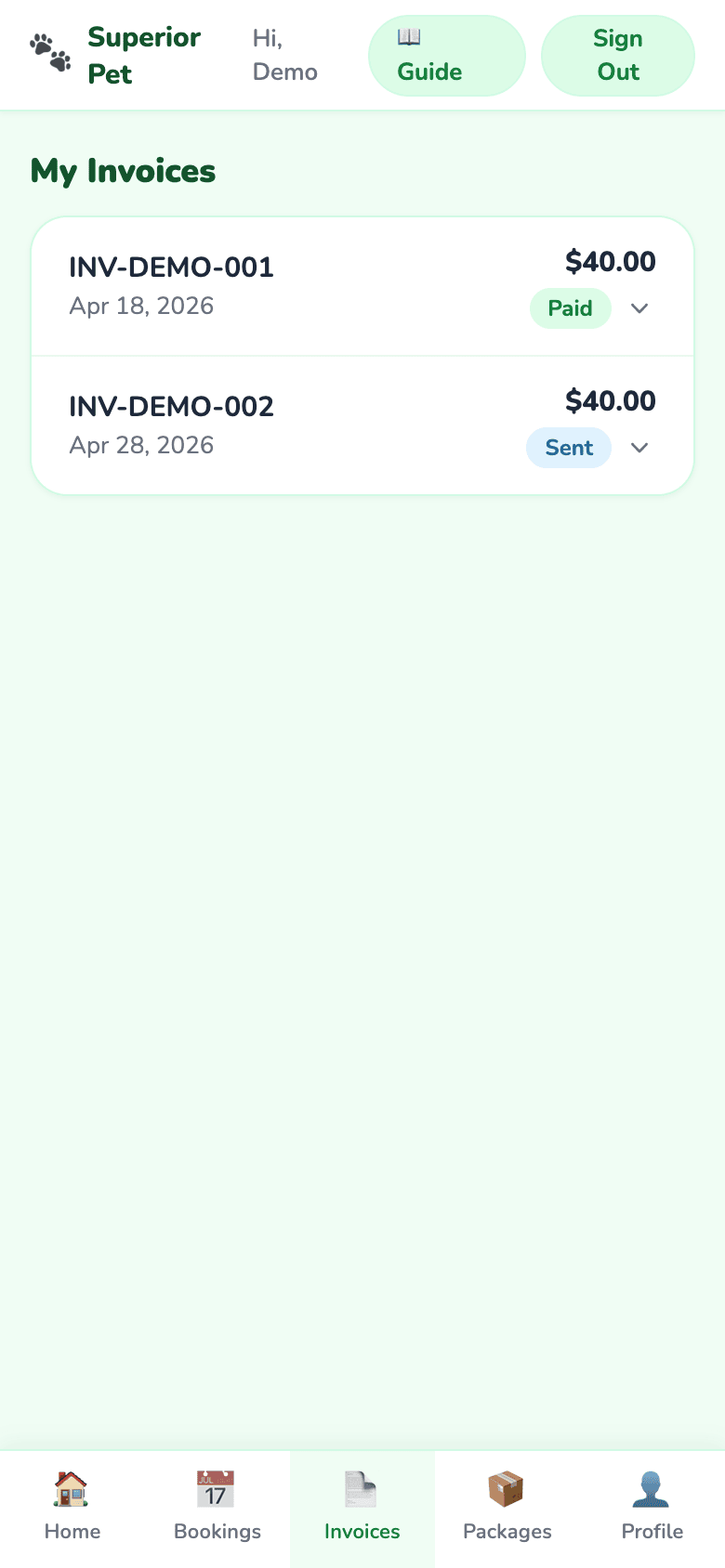
💳 Pay your invoices
- Log in at /portal/login — or click the pay link in your invoice email
- Tap Invoices in the bottom nav to see all bills, paid and unpaid
- Tap Pay Invoice on any open balance
- Complete Stripe checkout — a receipt lands in your inbox
📄
Paid invoices stay on your account so you always have a record.
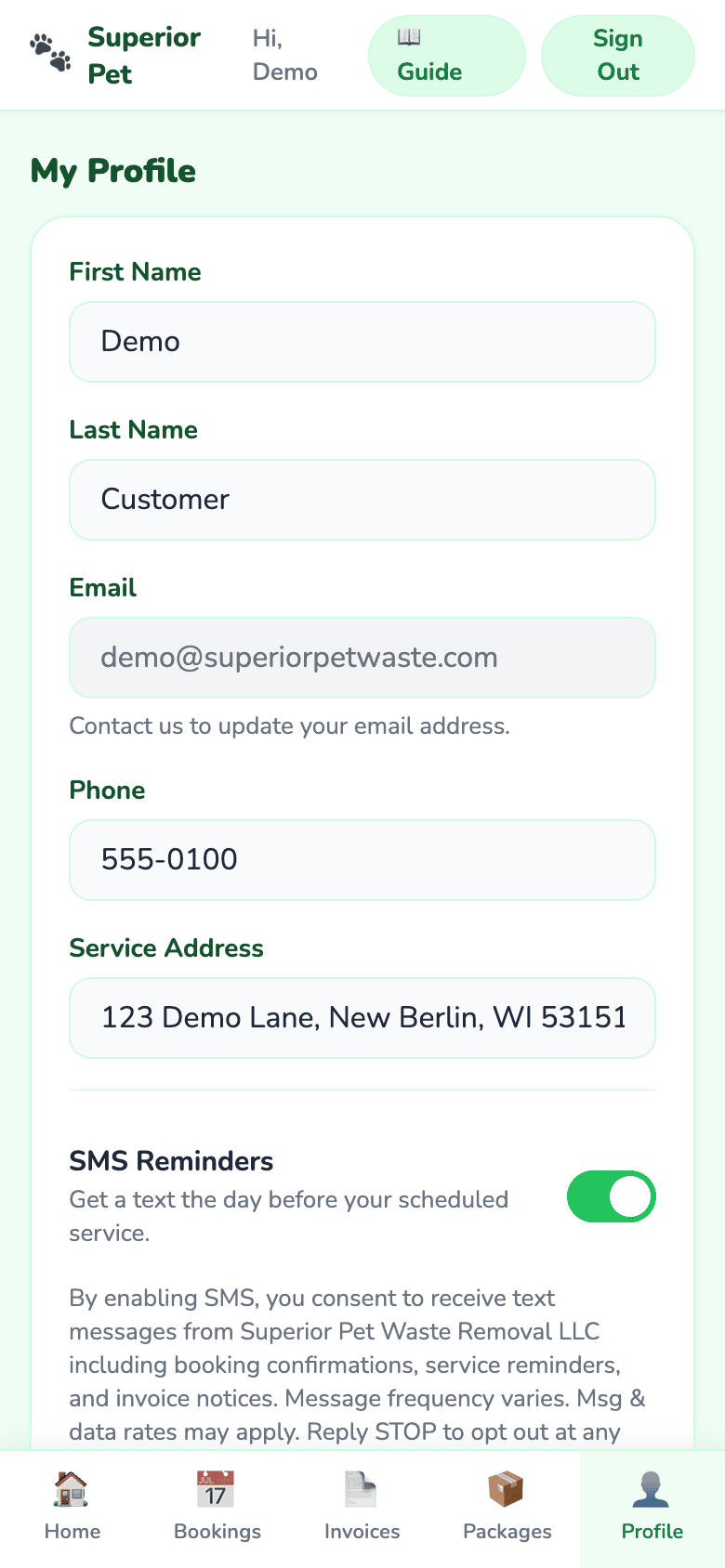
👤 Keep your profile up to date
- Tap Profile in the bottom nav
- Edit your phone, address, or SMS reminder preference
- Tap Save Changes
🔒
Your card info is saved securely by Stripe when you pay an invoice — Superior Pet never sees your card number. Need to change your card? Just use a new one on your next payment.
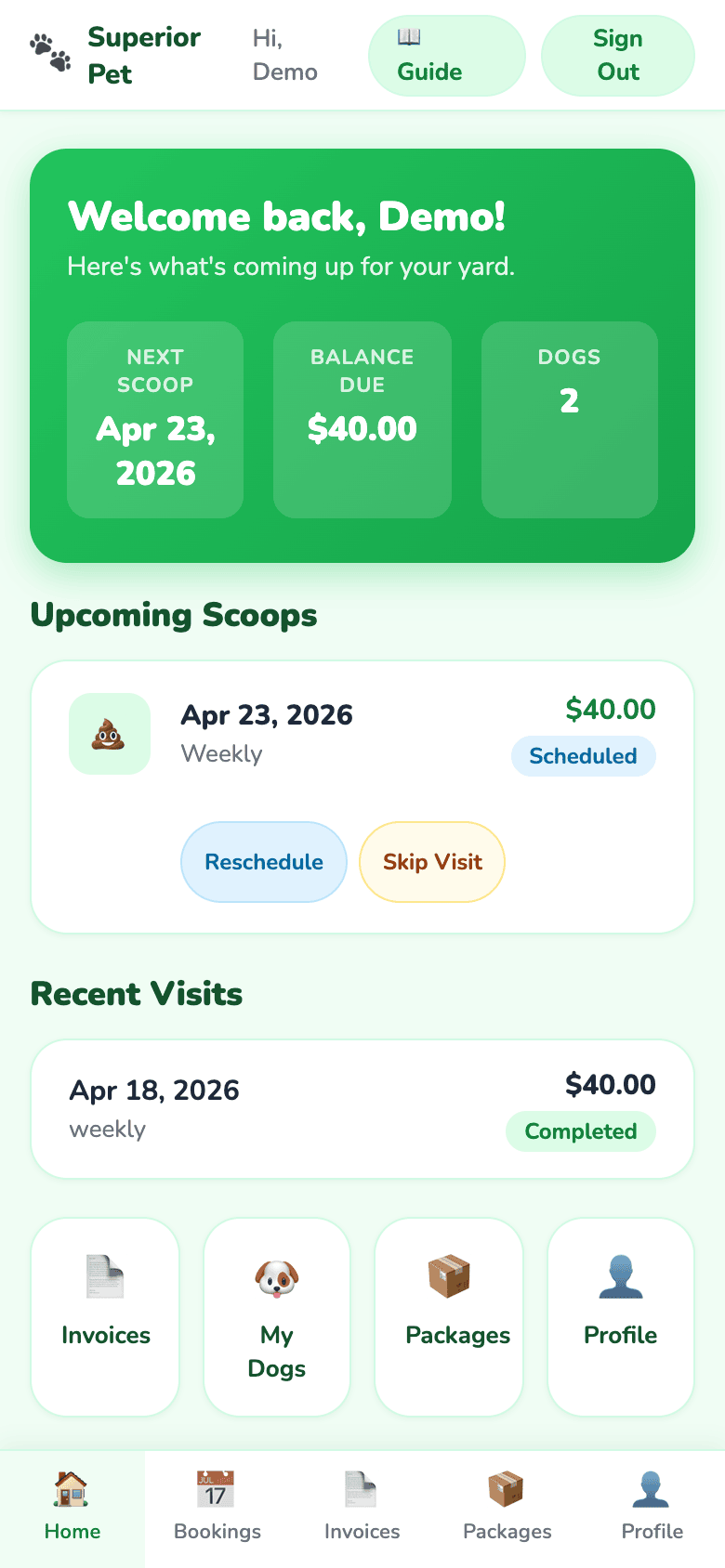
🏠 Your portal at a glance
When you log in, you'll land on your home view. Everything you need is one tap away.
- Next Scoop — your upcoming service date
- Balance Due — tap to pay
- Upcoming Scoops — reschedule or skip a visit
- Recent Visits — history + completion status
👋
First time logging in? Check your welcome email for your temporary access link. If you didn't get one, ask us to resend it.
ℹ️
Need a hand? Reply to any service email or call the number on your welcome email — the Superior Pet team gets back to you the same day.